If you’re searching for a sermon notes app, you’ve probably noticed something: almost every church tool says it “does sermon notes.” Some of them mean a full interactive experience. Some of them mean a text box. Before you sign up for anything, it helps to know what actually makes a difference on Sunday morning.
Here’s how I’d think about it after working with hundreds of churches.
The Three Types of Sermon Notes Tools
Most options fall into one of three groups:
- Full church app platforms. These are custom church apps (Subsplash, Pushpay, and Tithe.ly are well-known examples) that bundle sermon media, giving, groups, and sometimes notes. They’re powerful, but they usually require your people to download an app, and notes are one small feature among many.
- Bible apps and general tools. Some churches post outlines in a Bible app, a Google Doc, or a PDF on their website. It’s free or cheap, but it isn’t interactive. People read along; they don’t engage.
- Dedicated sermon notes tools. These are built specifically for the Sunday morning note: fill-in-the-blanks, private notes, saving, and sharing. FaithNotes is in this group.
None of these is “wrong.” The right choice depends on what you want people to do with the sermon.
7 Features That Actually Matter
1. No app download
This is the big one. Every time you ask a first-time guest to download an app, a lot of them simply won’t. A sermon notes tool that opens from a link or QR code in the browser gets used by visitors, older members, and teenagers alike.
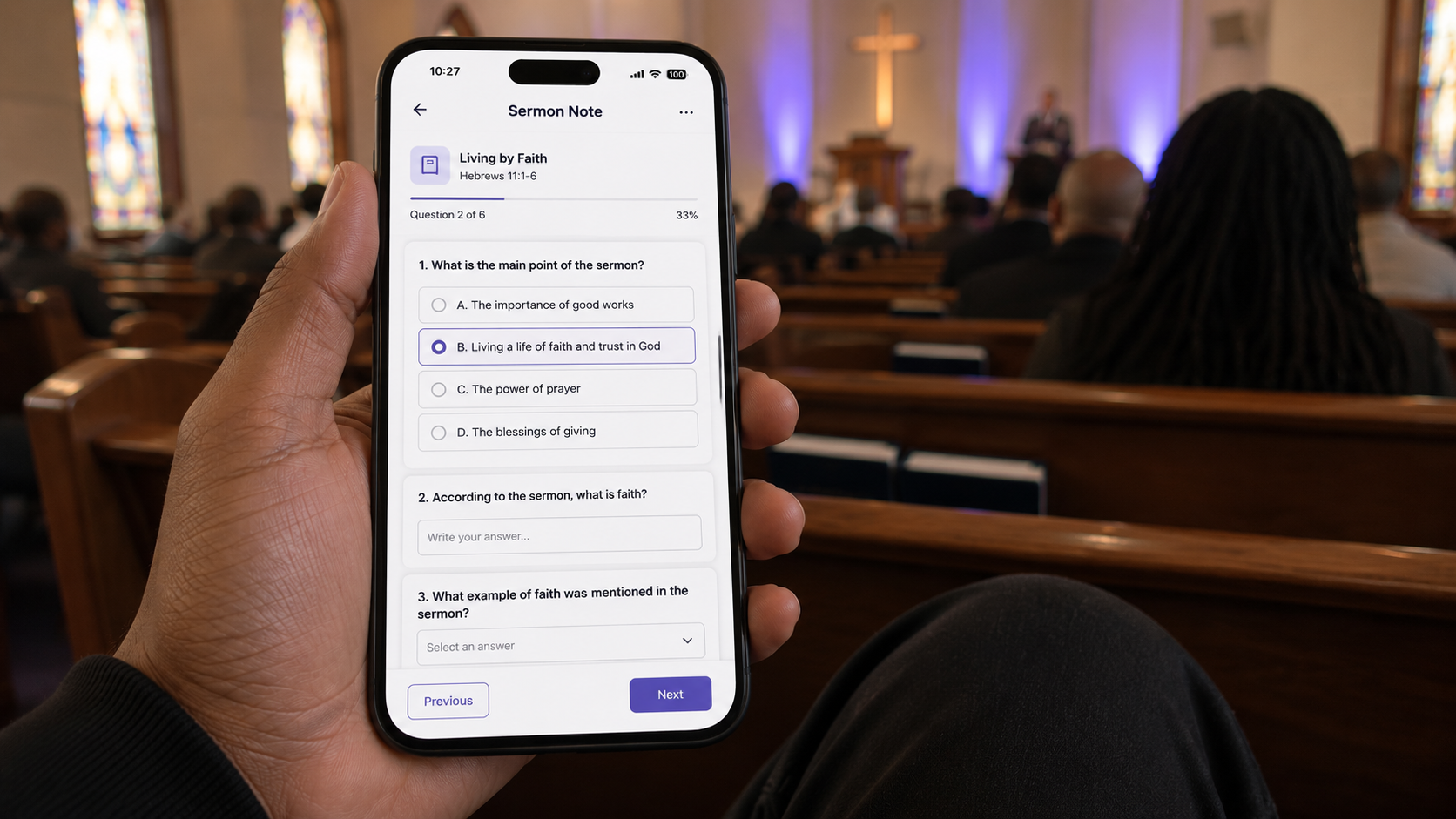
2. Real fill-in-the-blanks
Blanks are what turn listeners into participants. Look for blanks people can fill in on their phone, plus a way to reveal the answers if someone falls behind. (If you’re new to this, here’s our guide on how to create fill-in-the-blank sermon notes.)
3. Private notes and highlights
The most meaningful notes are the ones people write themselves. Make sure attendees can add their own thoughts anywhere in the sermon, not just in a box at the bottom.
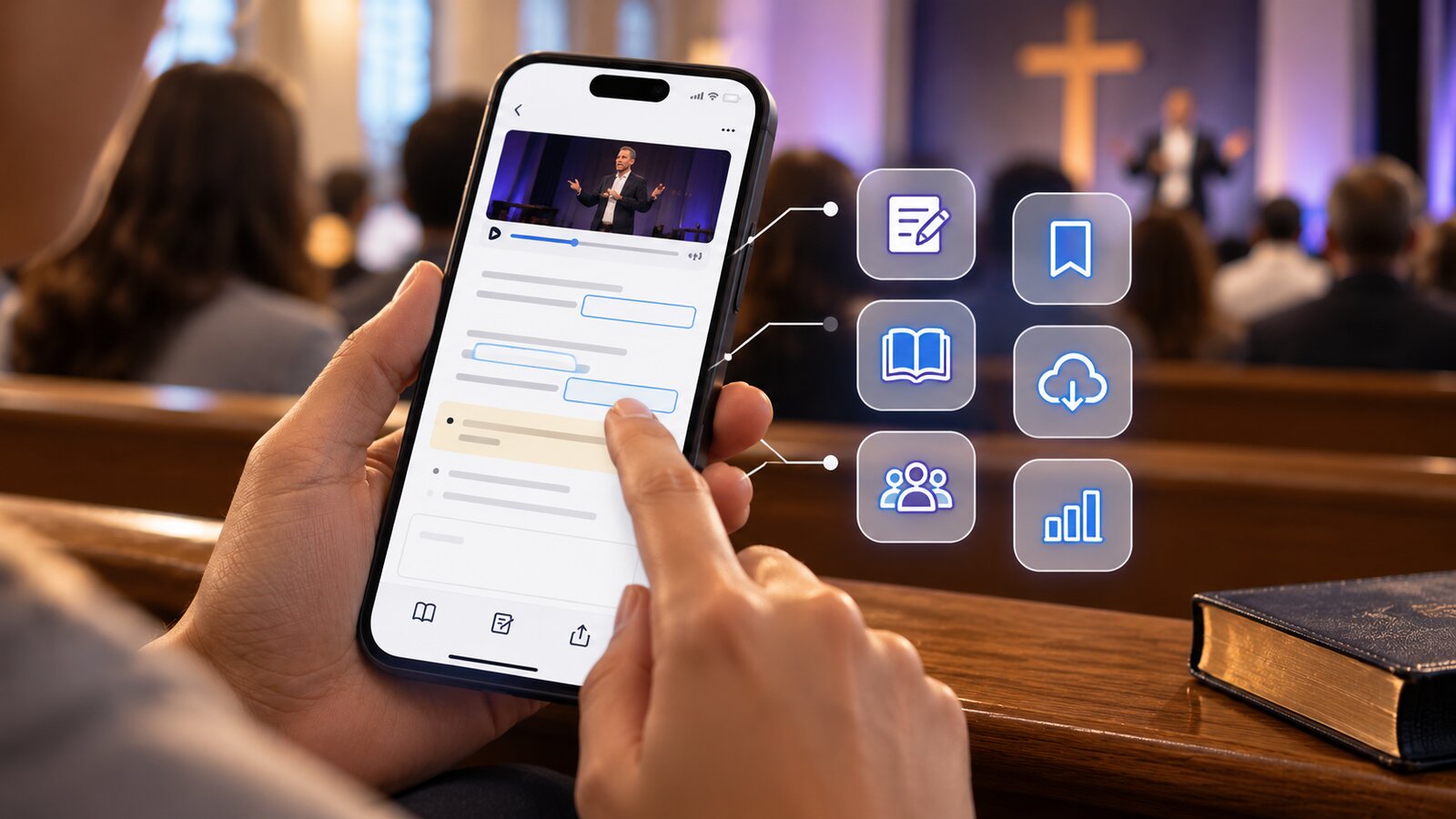
In FaithNotes, people simply double-click any sentence to highlight it or insert a personal note right below it, just like writing in the margin of their Bible.
4. Saving that lasts past Sunday
Can people save notes to a personal library, email them, or download a PDF? If notes disappear when the browser closes, the sermon disappears too.
5. Easy setup for your team
Your admin or pastor shouldn’t have to rebuild the sermon in a clunky editor every week. The best tools let you upload the Word doc you already wrote.
6. Bible links built in
Verse references should open the passage right inside the note, so nobody has to leave the page and get lost in another app.
7. Room to grow
Sermon notes are often the doorway. Over time many churches want giving, connect cards, events, and a digital church bulletin in the same place, so people only need one link on Sunday.
Questions to Ask Before You Choose
- Will a first-time guest be able to open the notes in under ten seconds?
- How long does it take to publish a note each week?
- Can attendees keep their notes and find them later?
- Is the price for the notes feature, or for a big bundle you won’t fully use?
- Is there a free trial so you can test it with your real sermon?
Why a Dedicated Sermon Notes Tool Beats an Add-On
Big church platforms like Planning Center, Subsplash, and Pushpay are excellent at what they focus on: people databases, check-ins, giving, and media apps. Sermon notes are one feature among dozens.
Planning Center is a good example. It added sermon notes to its Publishing product (first launched in beta in late 2024), and they cover the basics: fill-in-the-blanks, a reveal-answers button, personal notes areas you place in the outline, and the option to email notes. According to Planning Center’s own announcement, notes are built in their editor, require a Publishing sermons plan, and congregants need to be logged in to Church Center to write their own notes. That’s a solid starting point, but it’s a basic version of what a dedicated tool can do.
With FaithNotes, nobody has to log in or create an account to take notes. A first-time guest scans the QR code, and they’re filling in blanks and writing their own notes seconds later.
For FaithNotes, sermon notes aren’t a side feature. They’re the whole business. Every update we ship is about making the Sunday morning note better, which is why we believe FaithNotes is the most feature-rich interactive sermon notes software available today:
- Upload a Word doc and it becomes fill-in-the-blank notes automatically
- Reveal-the-blanks button for anyone who falls behind
- Private notes and highlights anywhere in the sermon, with no login required
- Save to a personal “My Notes” library, email, PDF, or Google Drive
- Automatic verse linking with the full Bible inside the note
- An always-visible giving button, plus forms, events, and livestream
- Video and audio per sermon, series archives, and scheduled posting
- A midweek study hub, extra note types for Bible study or Sunday school, and a full digital bulletin
- Analytics on views, saves, PDFs, and emails
That focus is a big reason FaithNotes is especially popular with Southern Baptist (SBC) churches, from small church plants to large congregations.
Where FaithNotes Fits
We built FaithNotes because churches kept telling us the same thing: they wanted interactive notes without making people download anything.
Here’s how it works:
- Upload your sermon (the Word doc you already wrote)
- FaithNotes turns it into interactive fill-in-the-blank notes
- Your church opens it from a QR code or link
Private notes, Bible links, saving, giving, and a digital bulletin are all built in. You can see the full list on our sermon notes app feature list.
Want people to open the notes even faster? FaithNotes works hand in hand with FaithTap tap cards under the same account, so people can tap their phone on a seat-back tag instead of scanning a QR code.
Whatever you choose, test it with a real Sunday. Put a QR code on the screen, watch how many people actually open it, and ask a few people afterward what they thought.
That will tell you more than any comparison chart.
Test FaithNotes With This Sunday’s Sermon
Upload your sermon doc and see your interactive notes in minutes. No app download for your church, no credit card, no sales call. FaithNotes is the most feature-rich interactive sermon notes software available, and we’re adding new features all the time.