The paper connect card has been a church staple for decades. A guest fills it out, drops it in the offering, and someone on staff types it into a spreadsheet on Monday. At least, that’s the plan.
In reality, cards get skipped, handwriting is hard to read, and the follow-up email goes out days later. A digital connect card fixes most of that, if you set it up well.
Why Go Digital?
- Faster follow-up. Responses arrive in your inbox immediately, so you can reach out while the visit is still fresh.
- No data entry. Names and emails come in typed, spelled correctly, and ready to use.
- Better for guests. Most people have their phone in hand anyway. Tapping a few fields is easier than finding a pen.
- Available all week. Someone who watched online on Sunday can still fill it out on Tuesday.
What to Ask (Keep It Short)
The number one mistake is asking too much. Every extra question means fewer people finish. For a first visit, start with:
- Name
- Email or phone (let them choose)
- Is this your first visit?
- How can we pray for you? (optional)
- I’d like to learn more about… (checkboxes: kids, groups, serving, baptism)
You can always gather more later. The goal today is just to start a relationship.
Where to Put Your Connect Card
A digital card only works if people can find it in the moment. The best spots:
- Inside your sermon notes. If people already have your notes open, a connect card button right there gets far more responses than a separate link.
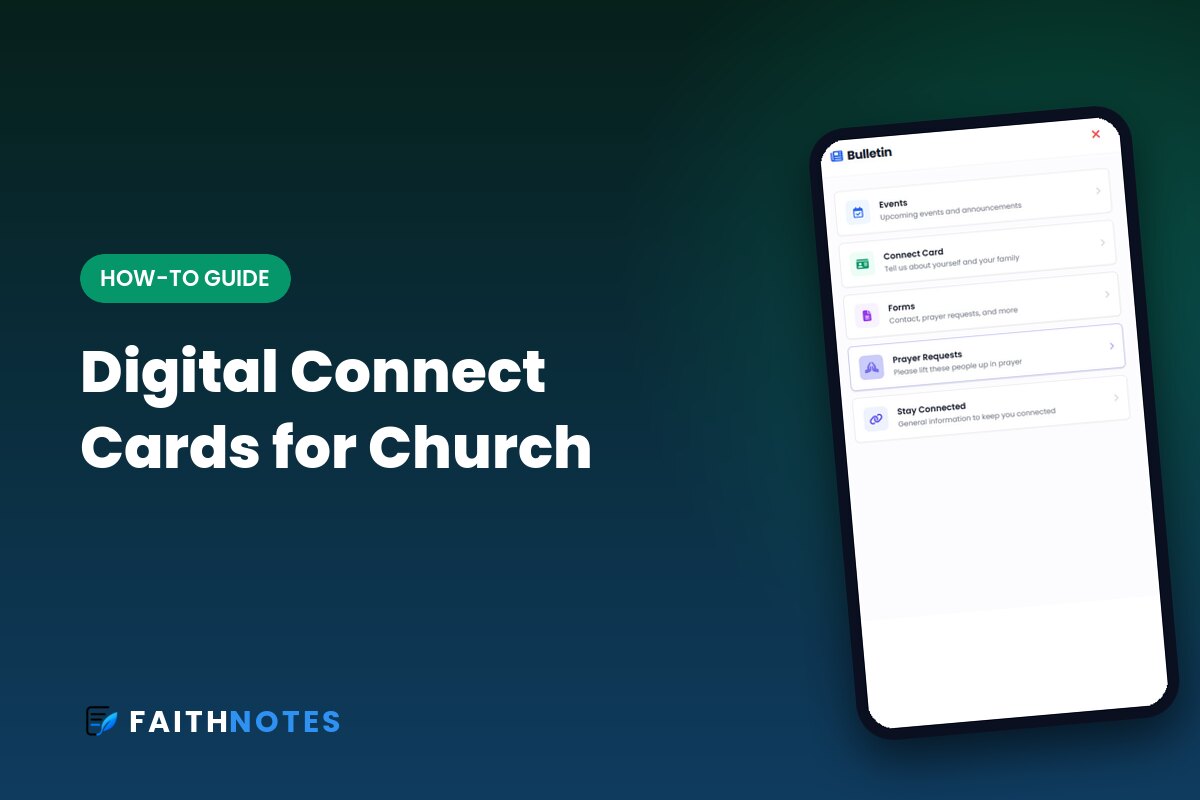
- In your digital bulletin. Put it near the top, not buried under announcements. (Here’s how a digital church bulletin can hold your connect card, events, and giving in one place.)
- On the screens as a QR code during the welcome.
- In your livestream description and chat.
Make the Ask From the Stage
Technology doesn’t replace the invitation. Have whoever does the welcome say something like: “If you’re new, we’d love to meet you. Open the notes on your phone and tap Connect Card. It takes about 30 seconds.” Then give people a moment to actually do it.
Follow Up Within 24 Hours
The fastest follow-up wins. Set a simple routine: someone checks connect card responses Sunday afternoon and sends a personal note to every first-time guest by Monday. A short, warm message beats a long, polished one sent on Thursday.
How FaithNotes Handles Connect Cards
In FaithNotes, connect cards, prayer requests, and contact forms live right inside the sermon note and the digital bulletin. Responses go straight to the email you choose. Because people already have the notes open for the sermon, the connect card is one tap away instead of one more thing to find.
Put Your Connect Card Where People Already Are
FaithNotes adds connect cards and prayer requests right inside your sermon notes and bulletin. Try it free for 30 days, no credit card required. FaithNotes is the most feature-rich interactive sermon notes software available, and we’re adding new features all the time.