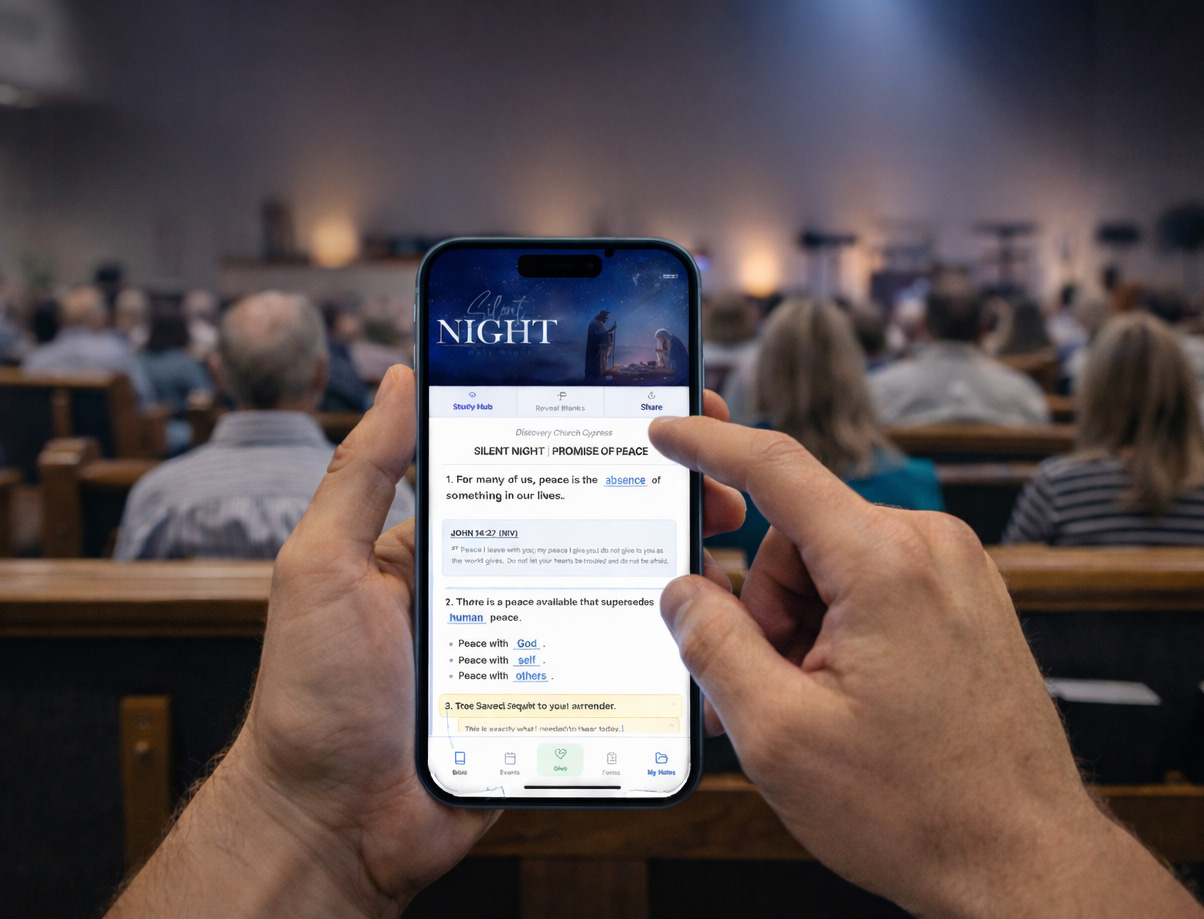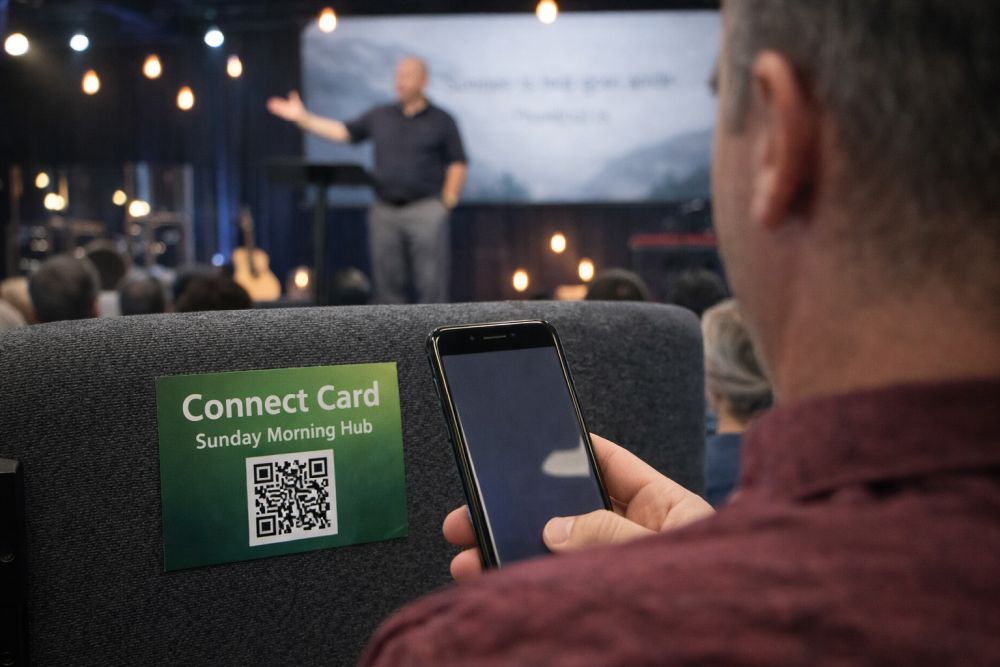
Week 1–2: Start introducing the idea. Let people know a change is coming, and explain why it matters, especially the cost savings and added convenience. Include a short note in the bulletin and mention it briefly from the stage. Position it as an upgrade. “We’re making it easier to stay connected all week long” lands better than focusing on what’s going away.
Week 3–4: Begin introducing the digital option alongside print. Keep the full printed bulletin, but also launch the digital version. Add QR codes to the bulletin and slides, and show people how simple it is to use. Keep the tone low pressure, no urgency yet, just awareness and familiarity.
Week 5–6: Encourage gradual adoption. Continue printing as normal, but start highlighting the digital version more intentionally. Reference it during announcements, encourage people to try it, and point out benefits like updates, links, and easier access during the week.
Week 7–8: Start reducing print volume. Cut back the number of printed bulletins by around 25 to 50 percent. Make sure a reasonable amount is still available, especially for those who prefer it, but begin shifting the expectation toward digital.
Week 9–10: Shift toward digital as the primary option. Reduce printed copies further and keep them mainly at the welcome desk or by request. Most regular attendees will have adapted by this point, especially if it’s been communicated clearly.
Week 11–12: Digital becomes the standard. Keep a small number of printed copies available for those who need them because lets face it, there will always be people just comfortable with a paper bulletin. But position digital as the normal way your church communicates. Take a moment to thank the congregation for adapting and share how the savings or improvements are being used.
This rollout gives people time to adjust, reduces resistance, and keeps the experience positive instead of abrupt.
Think Beyond Sunday
Here's the part most churches miss — and it's honestly the most important part.
A paper bulletin is a Sunday-only thing. It gets picked up, maybe glanced at, and tossed. But a digital bulletin or interactive digital sermon notes platform? That lives on someone's phone. They can pull it up on Tuesday to review the sermon. They can check the calendar on Wednesday. They can share it with a friend on Thursday.
That's the real win here. Going paperless isn't just about saving money on printing (although you will). It's about creating a connection point that lasts all week instead of just one hour on Sunday.
Quick Checklist to Get Started
If you've been thinking about going paperless but haven't pulled the trigger yet, here's what I'd do this week:
Add up what you're spending on printing each month. Bulletins, inserts, event flyers — all of it. That number will motivate you.
Choose one thing to digitize first. Bulletin or sermon notes — pick the one that takes the most staff time.
Pick a tool that doesn't require an app download. Browser-based is the way to go. Scan a QR code, tap a link, done.
Set your rollout date. Put it on the calendar. Tell your team. Commit to it.