Most church bulletins grow the same way: one announcement at a time, until it’s a crowded page nobody reads. If yours feels like that, it might be time to start fresh with a simple template.
Here’s a bulletin structure that works whether you print, go digital, or do both.
The Simple Church Bulletin Template
1. Welcome
Church name, date, and one warm sentence for guests.
2. Today’s Message
Sermon title, speaker, Scripture, and a link to the sermon notes.
3. Order of Service (optional)
Songs, Scripture readings, communion, baptisms.
4. New Here?
A connect card and one clear next step (like “Meet the pastor after service”).
5. This Week
3 to 5 announcements, max. Date, time, place, and how to sign up.
6. Get Involved
Groups, serving teams, kids and students.
7. Give
A short line about generosity and how to give.
8. Prayer & Contact
Prayer request link, church phone, email, and address.
Keep Announcements to Five
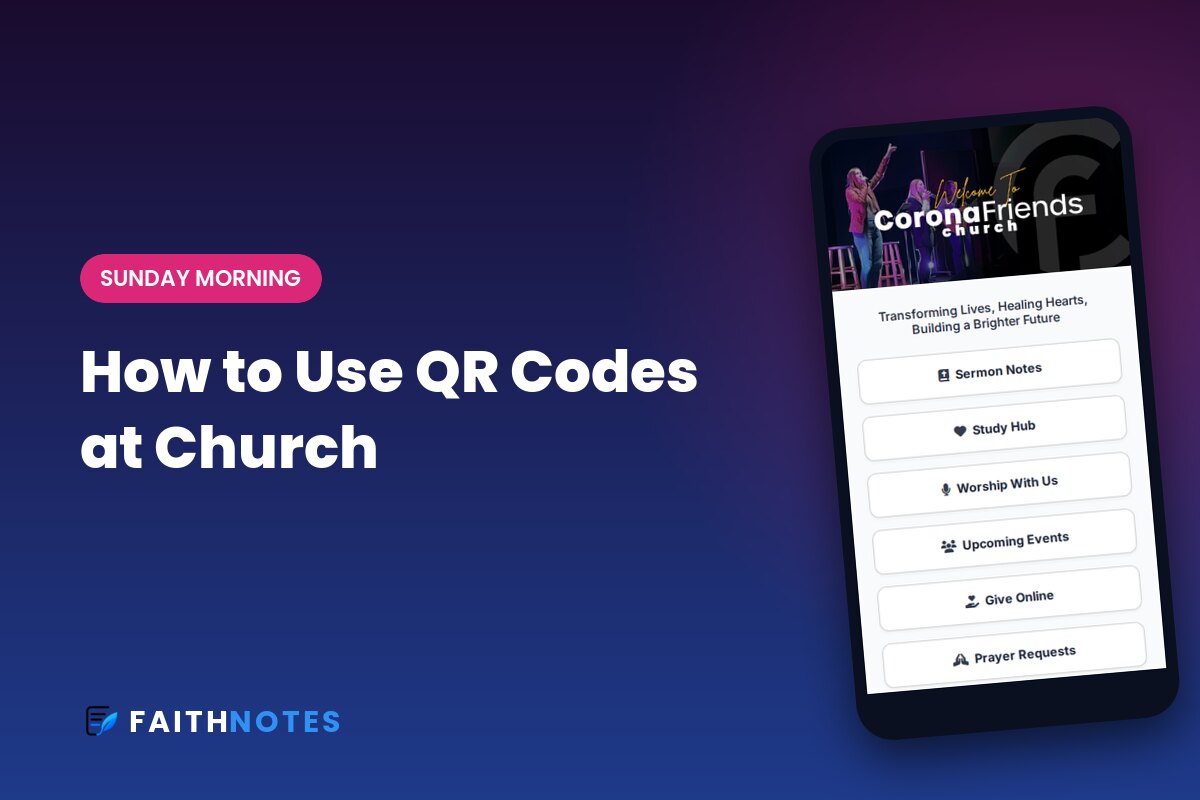
This is the hardest rule and the most important one. When everything is announced, nothing stands out. Pick the 3 to 5 items that matter most this week. Everything else can live on your website or events page. (Then point people to the full list with one QR code. Here’s our guide on how to use QR codes at church.)
Write for Skimmers
- Lead each announcement with the event name in bold.
- Use one or two short sentences, not paragraphs.
- Always include the “how”: a link, a sign-up, or a place to go.
Make It Work on Phones
Here’s the reality: many of your people will look at the bulletin on their phone, even if you print it. A PDF posted online is hard to read on a small screen. You pinch, zoom, and scroll sideways, and nothing is tappable.
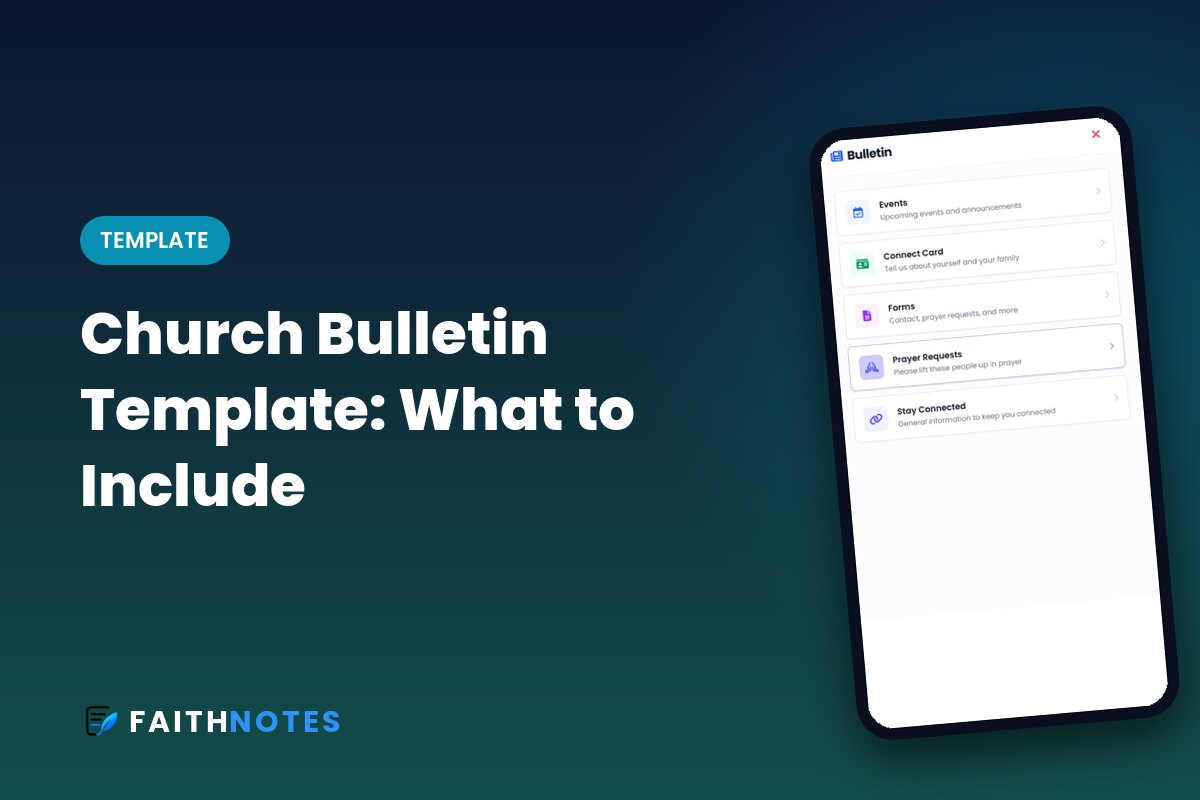
A mobile-friendly bulletin fixes that. Each section becomes a tappable button: Events, Connect Card, Give, Prayer Requests. People can register for an event or fill out a connect card right from the bulletin instead of hunting for a link.
That’s exactly what a digital church bulletin does. You can start from your current PDF and turn it into a mobile page your church opens from a QR code.
Connect Your Bulletin to Your Sermon Notes
The bulletin and the sermon notes are the two things people look at during service. Put them together. When your fill-in-the-blank sermon notes have a Bulletin button right inside them, people never have to switch apps or search for a second link.
Print, Digital, or Both?
You don’t have to choose overnight. Many churches print a small number of simple bulletins for those who prefer paper and point everyone else to the digital version with a QR code. Over a few months, most find the printed stack getting smaller on its own.
Turn Your Bulletin Into a Mobile Page
FaithNotes turns your bulletin into tappable sections for events, giving, connect cards, and prayer requests, right next to your sermon notes. Free for 30 days. FaithNotes is the most feature-rich interactive sermon notes software available, and we’re adding new features all the time.