QR codes went from “what is that?” to completely normal in just a few years. Restaurants use them for menus, and almost every phone camera reads them automatically. That makes them one of the easiest tools a church has for getting information into people’s hands on Sunday.
But a QR code is only as good as what it opens and where you put it. Here’s how to get it right.
Rule #1: One Code, One Destination
The most common mistake is having too many codes: one for giving, one for the bulletin, one for notes, one for events. People don’t know which to scan, so they scan none.
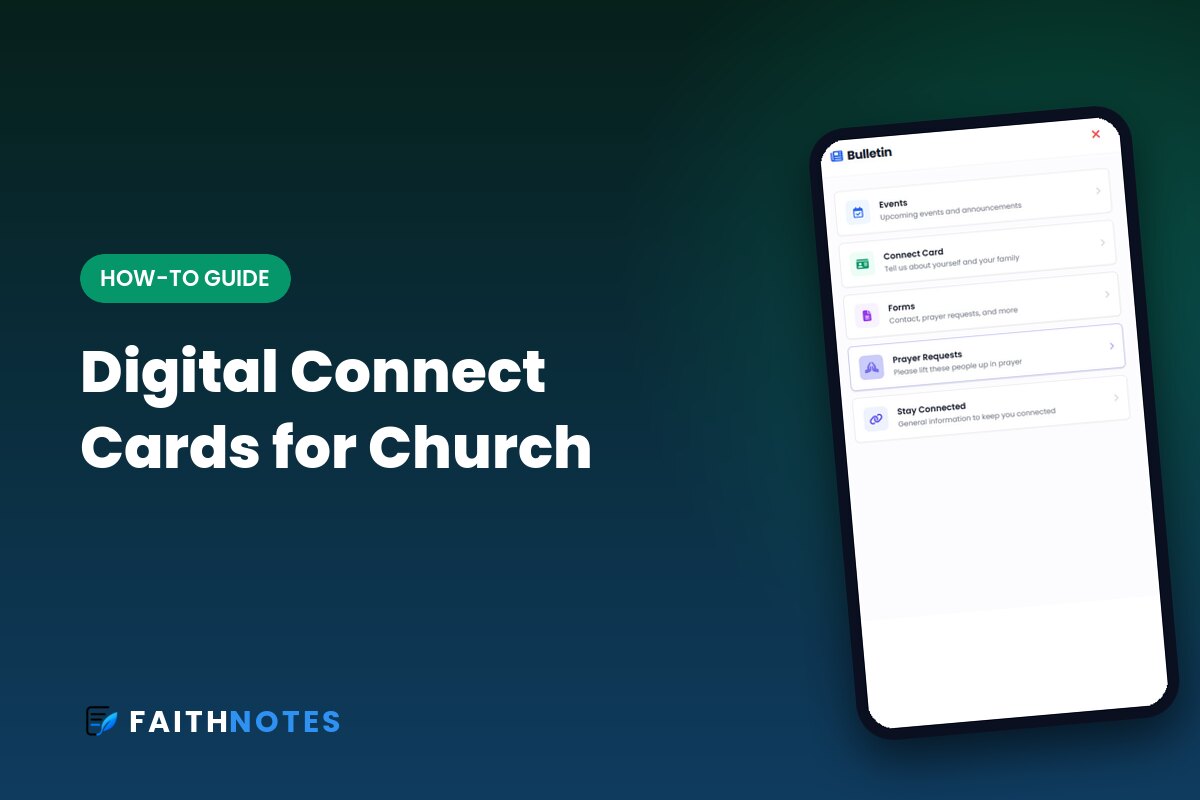
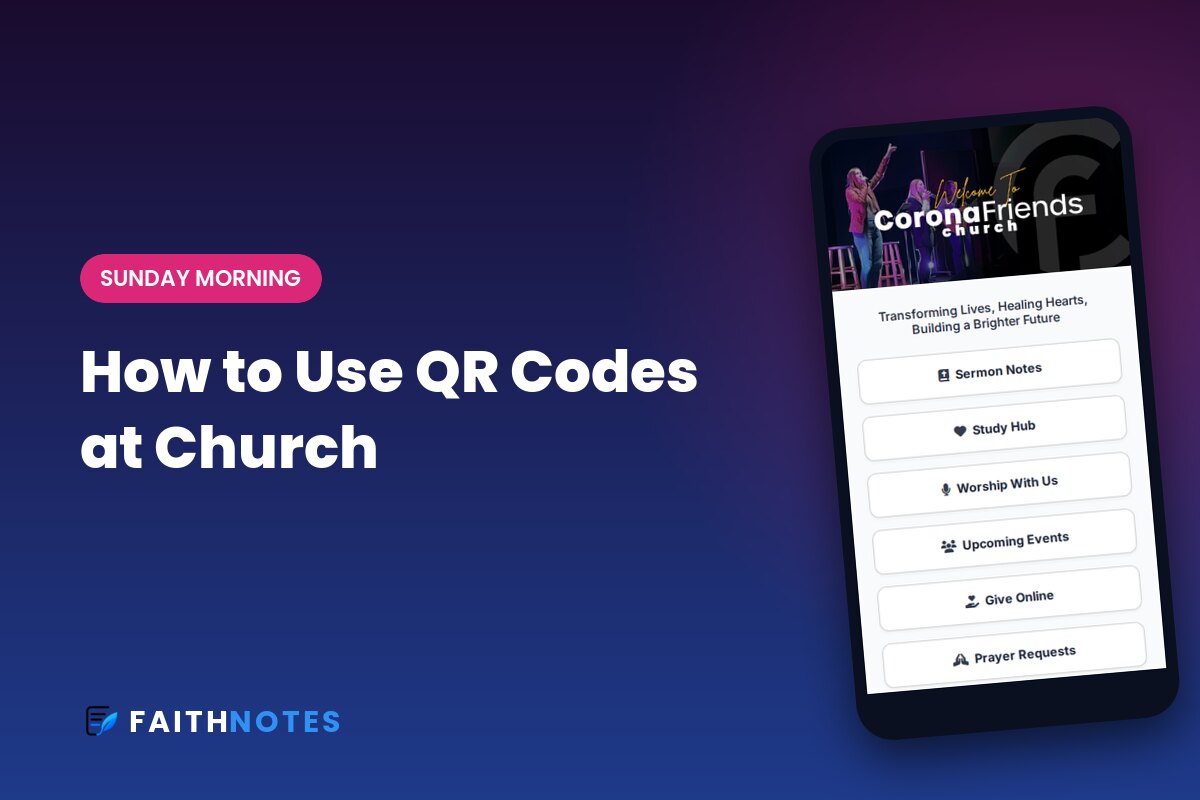
Instead, use one QR code that opens one page with everything on it: sermon notes, bulletin, giving, connect card, and events. Then that’s the only code your church ever needs to learn. A free church link card is a simple way to do this.
Where to Put Your QR Code
- On the screens during the welcome and right before the sermon. Leave it up for at least 30 seconds.
- On seat backs or chair cards, so it’s always there.
- At the entrance and the welcome desk.
- In the kids’ check-in area, for parents waiting in line.
- On printed invites and event flyers.
What the Code Should Open
Make sure the page loads fast and works without an app or login. If someone scans and lands on an app store page, most will give up. A mobile web page that opens instantly keeps them.
The best Sunday pages lead with what people need right now, usually the sermon notes. If your notes have fill-in-the-blanks, people have a reason to keep the page open the whole service, which means they’ll also see giving, events, and the connect card.
Make Your Codes Easy to Scan
- Size matters. On a screen, make the code big enough for the back row. On print, keep it at least about an inch square.
- High contrast. Dark code on a light background scans best.
- Add a short label like “Scan for today’s notes” so people know why to scan.
- Test it from the back of the room with an older phone before Sunday.
Use a Code That Never Changes
Print materials last a long time. Use a QR code that points to a page you control, so you can update what’s on it every week without reprinting anything. Your seat-back cards from January should still open this week’s notes in December.
Say It Out Loud
The QR code works best when someone mentions it: “Grab your phone and scan the code on the screen. Today’s notes have a few blanks to fill in as we go.” A ten-second invitation dramatically increases how many people scan.
Even Faster: Tap Instead of Scan
QR codes work, but they still ask people to open the camera, line it up, and tap a pop-up. NFC tap cards skip all of that: someone holds their phone near a small tag on the seat back and your page opens instantly. Most modern iPhones and Android phones support it, with no app needed.
Our sister product, FaithTap, makes tap tags for churches, starting at $1 per tag with free shipping. Every tag has a QR code printed right next to the tap area, so people can tap or scan, whichever their phone does best. You sign in to FaithTap with your FaithNotes account, and a tap can open your latest FaithNotes sermon notes, your bulletin, giving, or a full church landing page.
How FaithNotes Uses QR Codes
Every FaithNotes church gets a permanent QR code and link. It always opens your latest sermon notes, with your digital bulletin, giving, events, and connect card one tap away. Print it once, and it keeps working every Sunday.
Get Your Church’s Permanent QR Code
FaithNotes gives you one QR code that always opens this week’s sermon notes and bulletin. Free for 30 days, no app download. FaithNotes is the most feature-rich interactive sermon notes software available, and we’re adding new features all the time.