QR codes changed Sunday mornings. But if you’ve watched people try to scan one from the back row, you know they’re not perfect: open the camera, hold steady, zoom, tap the little pop-up, hope it worked. Some people give up before they get there.
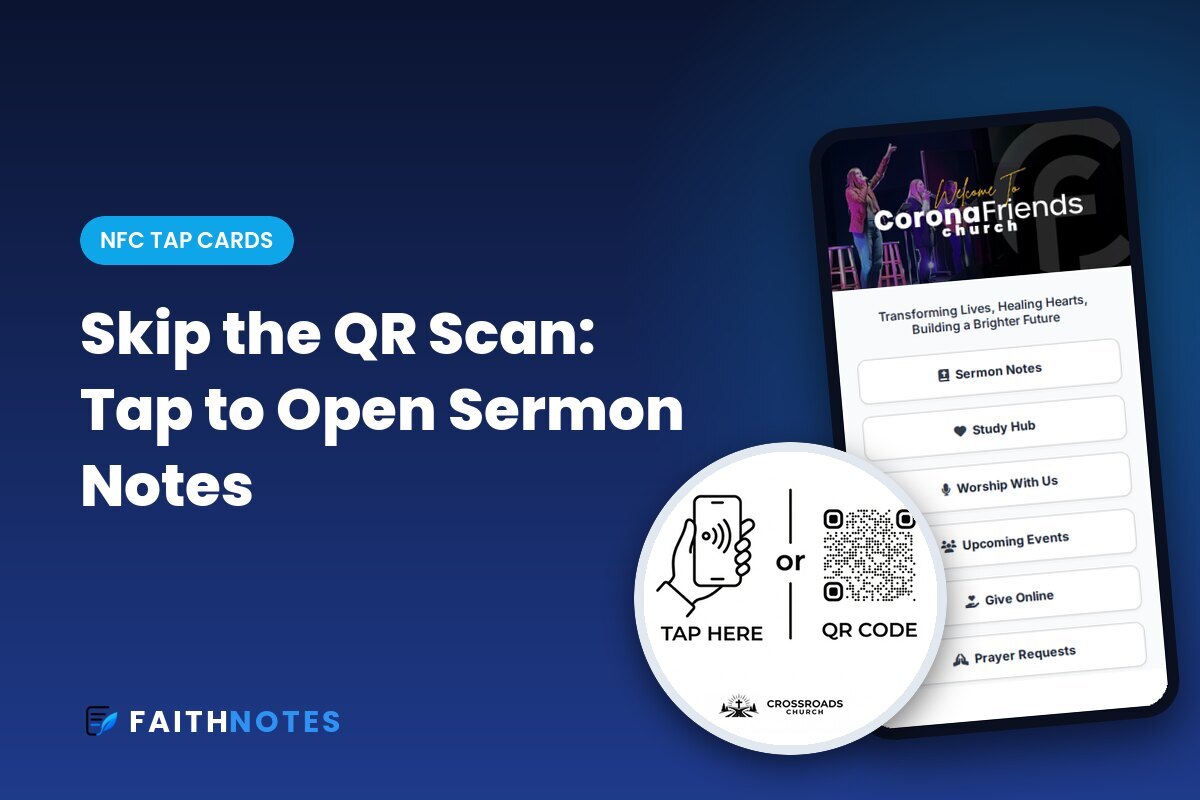
NFC tap cards remove those steps. Someone holds their phone near a small tag on the seat in front of them, and your page opens. That’s it.
What Is an NFC Tap Card?
An NFC tap card is a small sticker or disc with a tiny chip inside. When a phone comes close to it, the phone opens a link, the same way tap-to-pay works at a store. Most modern iPhones and Android phones support it, and nobody needs to download an app.
FaithTap tags also have a QR code printed right beside the tap area, so anyone whose phone doesn’t tap can still scan. One tag covers everyone.
Where Churches Put Tap Cards
- Seat backs and chairs, so the notes are always within reach during the sermon
- The welcome desk, for connect cards and first-time guest gifts
- Lobby tables and signs, for events and registrations
- Kids’ check-in, for parents waiting in line
- The youth room, for student events and sign-ups
The tags stick on with strong 3M adhesive, and they’re permanent: you change what a tap opens from your dashboard, not by replacing the tag.
More Than a Link: Church Landing Pages
You may have seen “link in bio” tools like Linktree: a simple list of buttons. FaithTap landing pages go further. You can add photos, video, rich text, and sections, building a full mini mobile page with drag and drop. Churches build separate pages for the Sunday service, youth group, the welcome desk, Easter, VBS, and more.
Here’s a real church’s Sunday landing page: a welcome for guests, a connect card, digital sermon notes, giving, event registration, small groups, serving teams, and prayer requests, all from one tap.
Built for How Churches Actually Work
- Smart scheduling: show the connect card before service, the giving page during the offering, and events afterward, automatically.
- Analytics: see taps by location, service, and day, with a weekly email report.
- Giving: use FaithTap’s built-in giving at a flat 2.5%, or link the provider you already use.
- Forms and registration: connect cards, event sign-ups with capacity limits, and payments.
- Planning Center sync: connect card responses can flow straight into Planning Center People.
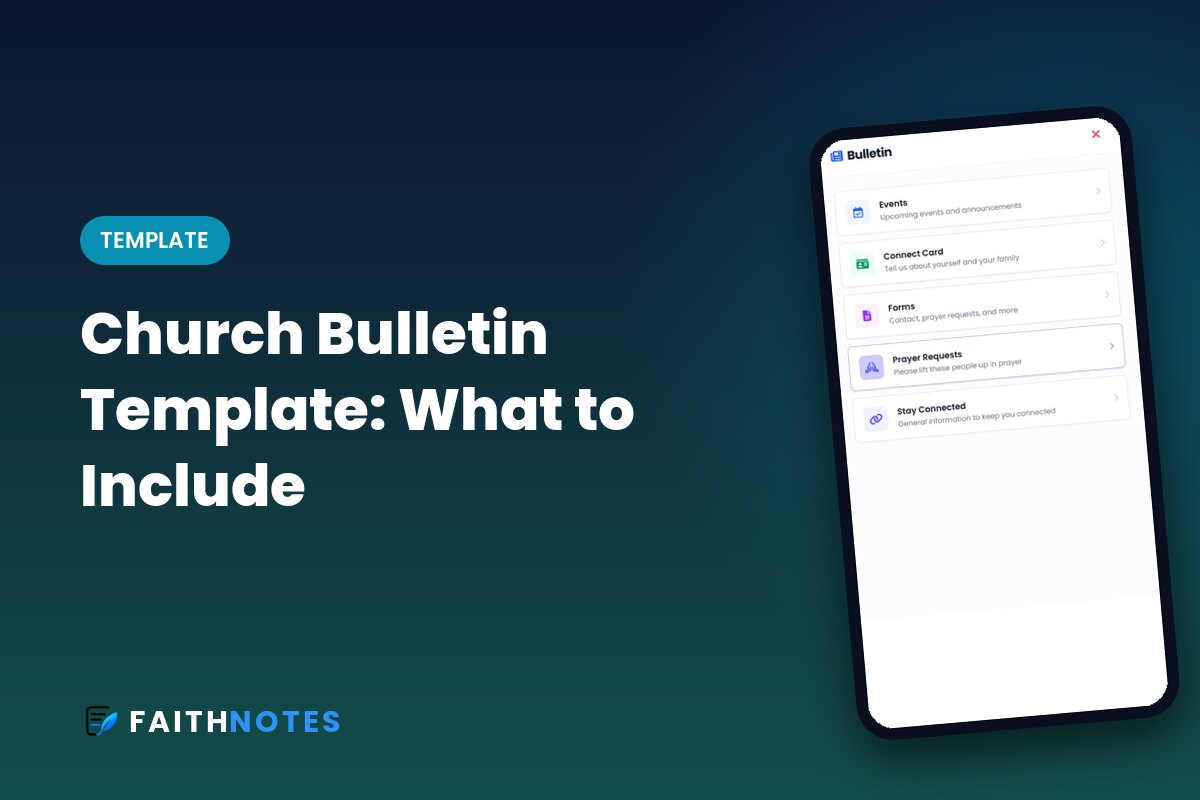
- PDF to digital bulletin: upload your bulletin PDF and get a mobile-friendly version.
How FaithNotes and FaithTap Work Together
FaithNotes and FaithTap are built by the same team and share the same account. You sign in to FaithTap with your FaithNotes login, so there’s nothing new to manage.
Think of it this way: FaithNotes is the heart of Sunday morning, the interactive fill-in-the-blank sermon notes your people follow along with, save, and come back to all week. FaithTap is the fastest way to get there. A tap on the seat back opens your landing page, and the Sermon Notes button opens this week’s FaithNotes, along with your digital bulletin, giving, and connect card.
FaithNotes subscribers can also claim three free FaithTap demo tags right from their FaithNotes dashboard, so you can try tapping in your own sanctuary before ordering more.
What It Costs
FaithTap tags start at $1 per tag with free shipping. You can create a free account and build your landing page first, then pay when you’re ready to launch. See FaithTap pricing and examples.
Start With the Sermon Notes, Then Add the Tap
FaithNotes gives your church interactive fill-in-the-blank notes with no app download. Add FaithTap tags anytime under the same account. Try FaithNotes free for 30 days. FaithNotes is the most feature-rich interactive sermon notes software available, and we’re adding new features all the time.