Pastors put hours into a sermon. It’s natural to want people to remember it past the parking lot. Note-taking is one of the best ways to help that happen, but you can’t make people do it. You can only make it easy and worth it.
Here’s what we’ve seen work in churches of every size.
1. Remove Every Bit of Friction
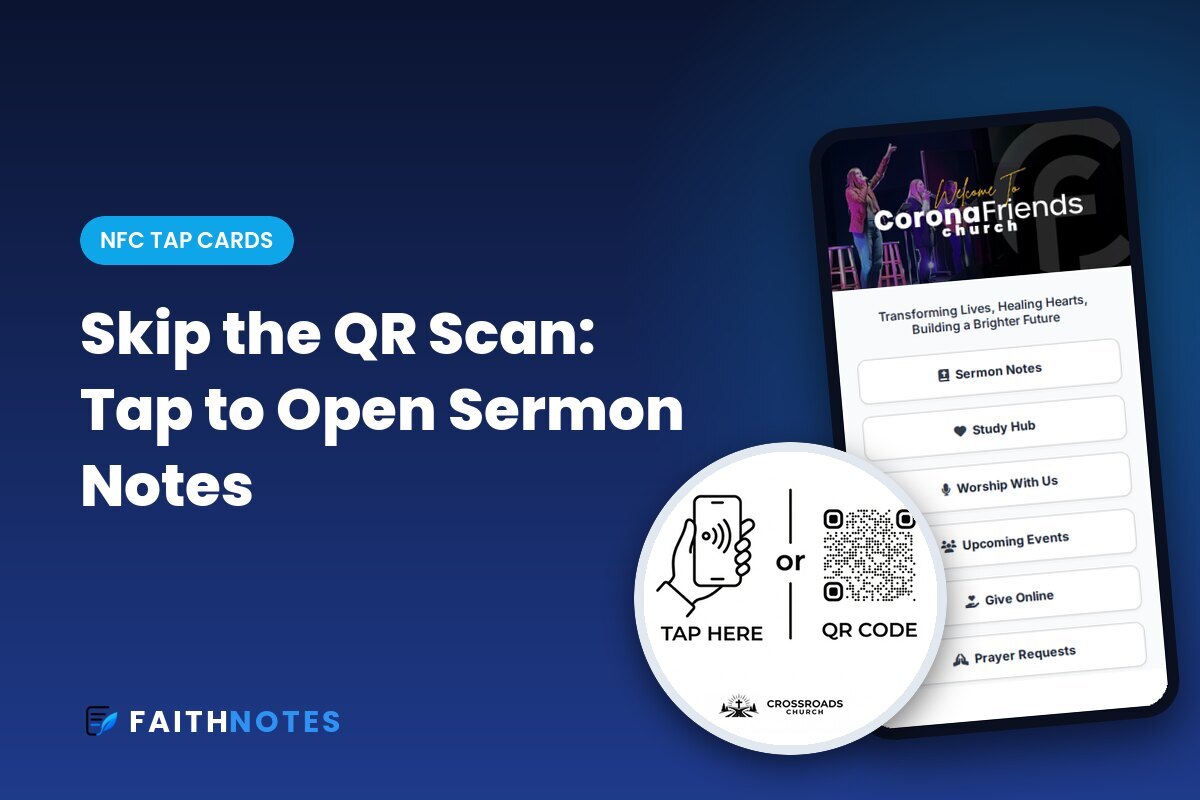
If taking notes requires finding a pen, a printed outline, or downloading an app, a lot of people won’t bother. Put the notes one scan away. A QR code on the screen that opens the notes in the browser, with nothing to install, gets the most people started.
2. Give People Something to Do
Blank paper is intimidating. A few well-placed blanks give people a reason to lean in and listen for the answer. Keep it to roughly 5 to 10 blanks, and put them on the key takeaways, not random words. (Our guide on how to create fill-in-the-blank sermon notes walks through it, and includes a free template.)
3. Invite It From the Stage
A simple, warm invitation makes a big difference: “Grab your phone and scan the code. There are a few blanks to fill in as we go.” Say it before the sermon starts, and leave the QR code up long enough for people to scan.
4. Make Room for Personal Thoughts
The notes people remember are the ones they write in their own words. Give them space to add private thoughts anywhere in the sermon, like writing in the margins of their Bible. A prompt like “What is God saying to me through this?” helps.
5. Help Them Keep It
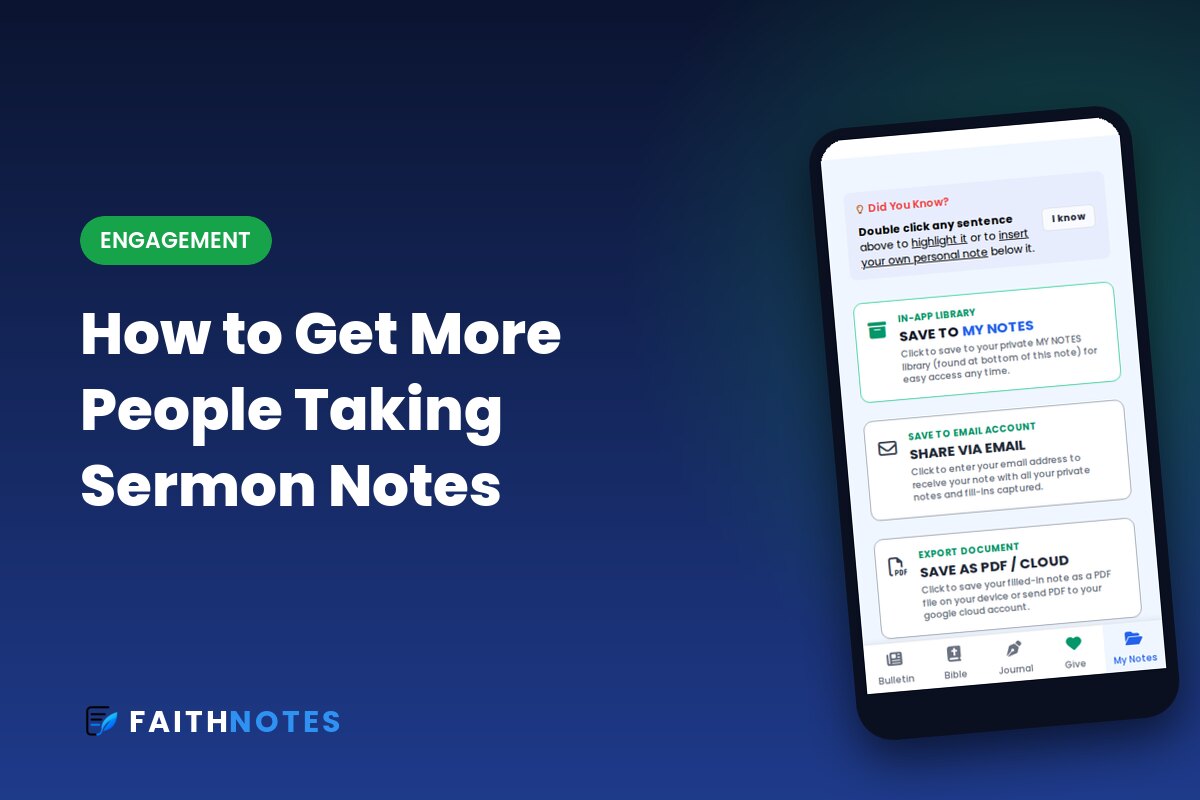
Paper notes end up in the car or the trash. Digital notes can be saved to a personal library, emailed, or downloaded as a PDF. When people know their notes will still be there on Wednesday, taking them feels worth the effort.
6. Bring the Sermon Into the Week
Give people a reason to open their notes again: a few discussion questions, a reading plan, or a short devotional tied to Sunday’s message. Small groups can use the same notes to start their conversation. (We wrote about how one church solved midweek engagement with a study hub.)
7. Model It
When staff, leaders, and small group hosts take notes on their phones during service, others follow. It quietly signals: this is normal here.
8. Look at What’s Working
If you use digital notes, check how many people open, save, and share them each week. Try changes (fewer blanks, a different invitation, a reveal button) and see what moves the numbers.
How FaithNotes Helps
FaithNotes was built around exactly these ideas: notes that open from a QR code with no app, interactive fill-in-the-blanks, private notes anywhere, saving to a personal library or PDF, Bible links, and analytics so you can see what’s working. See everything it does on our sermon notes app feature list.
Make Note-Taking Easy This Sunday
Upload your sermon and FaithNotes turns it into interactive fill-in-the-blank notes your church opens with one scan. Free for 30 days, no credit card. FaithNotes is the most feature-rich interactive sermon notes software available, and we’re adding new features all the time.