Create Simple Access Points For Your Church
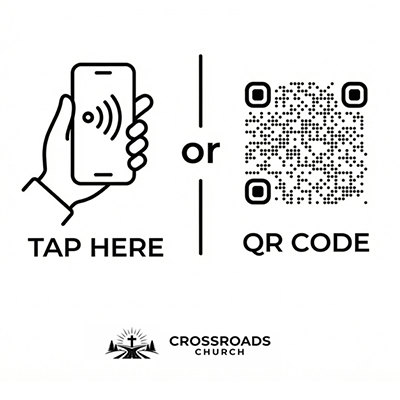
Multiple simple access points that make it easy for people to open FaithNotes instantly from anywhere in the service. Choose one or all methods below.
- QR + NFC Tag Stickers We Sell — Add a clean, durable access point directly to seat backs or other permanent spots, with QR scanning and NFC tap access.
- Your Own Printed Cards — Download your FaithNotes QR code and place it on your own seat cards, printed materials, or other church handouts.
- PowerPoint Slide Included — Churches can also use the PowerPoint slide found in their FaithNotes account to put a QR code on screen for the congregation to scan.
- App Access — If your church has a mobile app, you can also place access there so people can open FaithNotes from the app.
Send People to the Right Place In One Tap
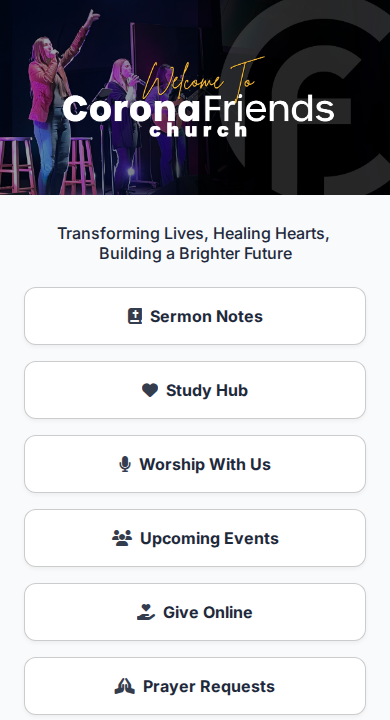
Once people go to the access point, you have two clear options: point them to a link card with your key Sunday links, or send them straight into the sermon note.
Show one clean page with your top Sunday links like giving, livestream, welcome info, events, and prayer.
Skip the link card and send people right into the sermon note if that is the fastest flow for your church.
Let People Engage Inside the Sermon Note
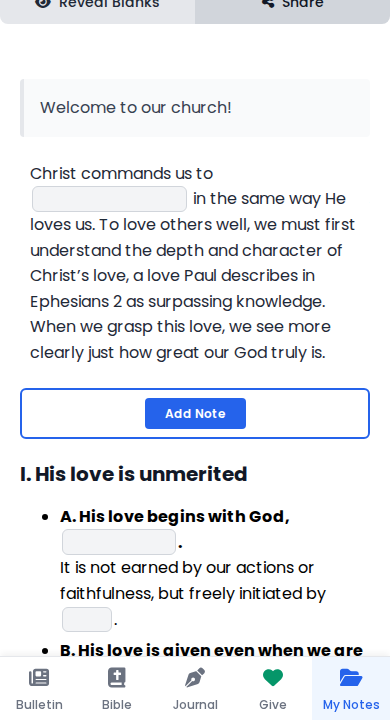
During the service, people follow along in the sermon note, interact with the content, take personal notes, and can give if they want, all right there in the same interface.
- Interactive Note Taking — People can tap, highlight, and add their own thoughts while they listen.
- Giving Built In — A giving option can stay visible right inside the note instead of sending people to another system first.
- One Focused Experience — Notes, links, and bulletin items stay together instead of being scattered across separate tools.
Help People Save Their Notes Privately In My Notes
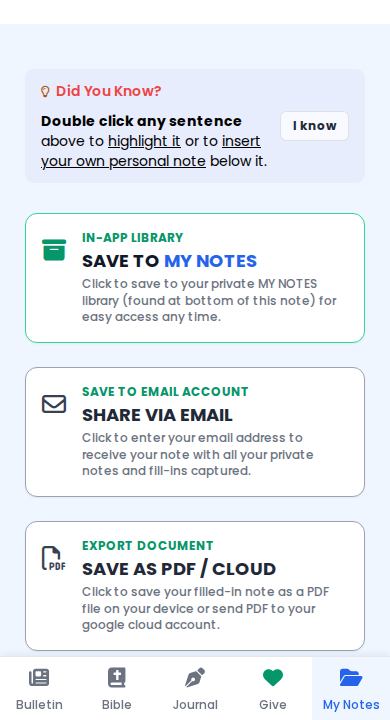
At the end of the service, people can save everything they wrote to their FaithNotes My Notes area at the bottom of the note. It stays private to them and is not stored in the cloud.
- My Notes At The Bottom — The save area is already built into the note flow so people can keep what they wrote without extra steps.
- Private By Design — Their saved notes remain personal and are not saved publicly for the church to browse.
- Easy To Revisit — People can come back to previous notes instead of losing a paper handout by Monday.
Add Weekly Resources For Engagement Beyond Sunday
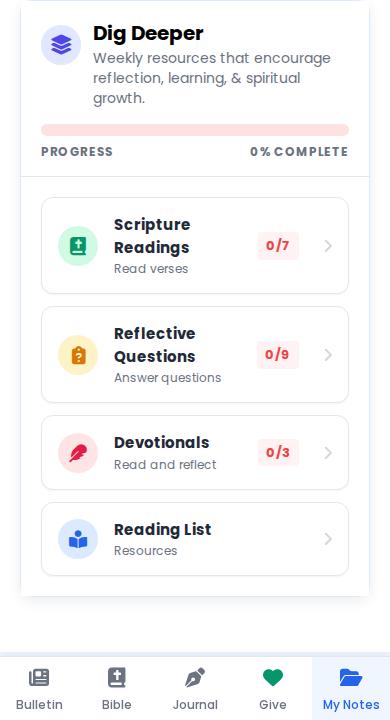
As an optional next step, attach study resources like devotionals, questions, verses, and other follow-up content people can actually interact with and check off as they make progress during the week.
- Devotionals And Verses — Keep the sermon going with scripture reading plans, reflection prompts, and follow-up study material.
- Progress Tracking — Give people simple items they can check off as they work through the week.
- Beyond Church Walls — Turn one Sunday interaction into a tool that keeps people engaged between services.